
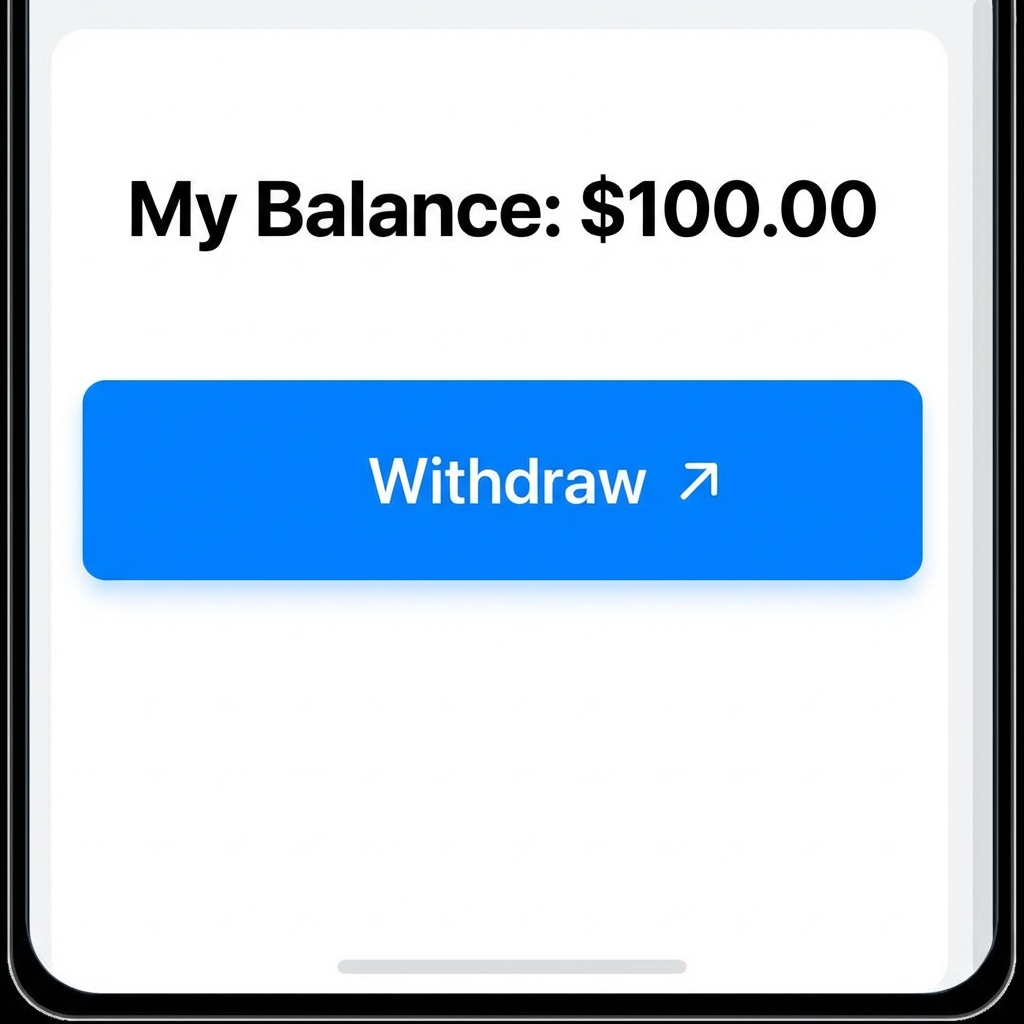
Getting Paid: The Final Step in Your Earning Journey
You've completed the tasks, visited the blogs, and built up your balance on Tasks PK. Now comes the most satisfying part—withdrawing your earnings! One of the reasons Tasks PK is so popular in Pakistan is its seamless integration with local mobile wallets. You don't need a bank account or a credit card to get your money. This tutorial will guide you through the exact steps to withdraw your cash to JazzCash or Easypaisa safely.
Step 1: Verify Your Balance
Before you can withdraw, you must reach the 'Minimum Withdrawal Threshold'. On your User Dashboard, click on 'Wallet'. Here you will see your 'Available Balance'. Ensure it meets the required amount (usually Rs. 500 or as specified in the app).
Step 2: Choose Your Payment Method
Tasks PK offers two primary options:
- JazzCash: Ideal for those who use the Jazz network and want instant access to their funds.
- Easypaisa: A great choice for Telenor users and widely available across Pakistan.
Step 3: Submit Your Withdrawal Request
- In the 'Wallet' section, click on 'Withdraw Money'.
- Select either JazzCash or Easypaisa from the dropdown menu.
- Important: Enter the mobile number registered with your wallet. Double-check every digit!
- Enter the amount you wish to withdraw and click 'Submit'.
Step 4: The Processing Period
Once submitted, your request goes to our accounts team for verification. We check to ensure all tasks were completed according to the rules. Most withdrawals are processed within 24 hours. You will receive a notification once the status changes to 'Completed'.
Common Reasons for Withdrawal Delays
- Incorrect Account Number: If the number doesn't match a valid wallet, the payment will fail.
- Non-Verified Wallet: If your JazzCash/Easypaisa account hasn't completed biometric verification, it might have limits that prevent receiving the funds.
- Task Quality Issues: If the system detects 'bot-like' behavior or skipped steps in blog visits, the withdrawal might be put on hold for manual review.
Is There a Withdrawal Fee?
Tasks PK strives to keep fees as low as possible. While we don't charge a 'commission', standard network charges from the mobile wallet providers may apply. Always check the final amount received in your wallet app.
FAQ Section
1. Can I change my withdrawal number later?
Yes, but for security reasons, you can only change it from your profile settings before submitting a new request.
2. What is the maximum I can withdraw?
There is no upper limit. You can withdraw as much as you've earned! However, very large amounts might take an extra day for security checks.
3. Can I withdraw on weekends?
Yes! Our automated systems work 24/7, although manual reviews might take slightly longer on Sundays and public holidays.
Conclusion
Withdrawing your earnings on Tasks PK is designed to be as fast and painless as possible. We value your hard work and want you to enjoy your rewards quickly. Follow the steps above, be careful with your details, and start enjoying your online income today!